Functional Test (FCT)
Connect fixture (bed‑of‑nails/connectors); run defined scripts
- Typical coverage:
Current consumption in run/standby
Digital I/O, pull‑ups/downs
Analog paths (ADC/DAC linearity, references)
Communications (Wi‑Fi)
Sensors/actuators simulated or attached
Memories (EEPROM/Flash/RAM) read/write
Safety features (watchdog, brown‑out)
Limits and pass/fail per test instruction
Auto‑attach test results to SN and archive (Form F1, add log)
Equipment
Thermometer for measuring room temperature
Cube magnet for wind direktion sensor test
Cylinder magnet for wind speed sesnsor test
Protection cover with marked positions for magnets
Actual Chrome web browser on PC
Same equipment as before
Test conditions
Successfully completed flash procedure
WiFi login in MyBoat
Same elektrical conditions as before
Set power source 12V
Functional test procedure
1. Attach protective cover
2. Opening the website with web browser: http://windsensor-0.local/devinfo
- 3. Check the firmware version
V1.20
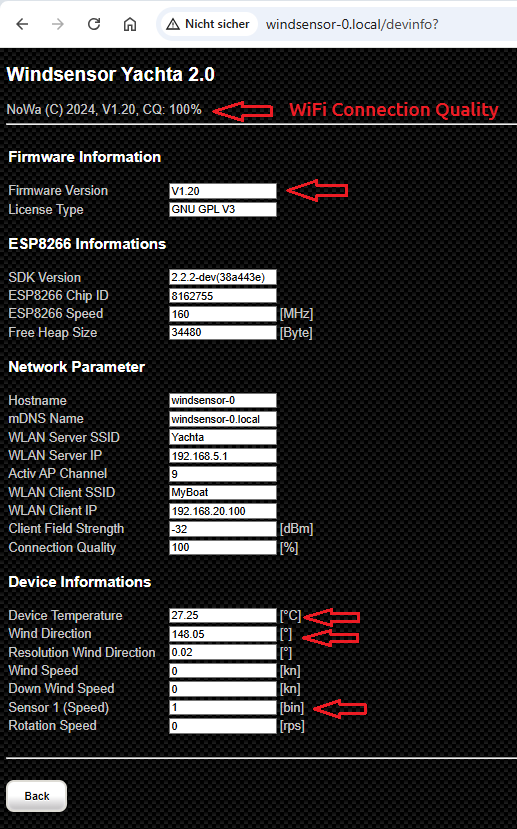
Fig.: Web page devinfo
4. Check WiFi connection quality (CQ: > 90% by short distance between router and PCB)
- 5. Check realistic room temperature
Check value Device Temperature app. room temperature + 10°C
- 6. Check wind direction sensor on position 1 with cube magnet (note polarity)
Check value Wind Direction
Values must change by 90° for a 90° magnet change
Angle values must cover 0…360°
Offset is uncritical
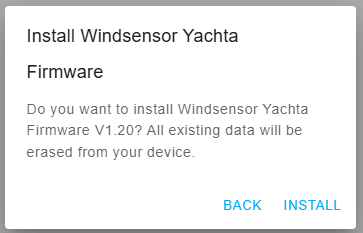
Fig.: Test positions on PCB
- 7. Check wind speed sensor on position 2 with cube magnet (note polarity)
Check value Sensor 1 (Speed)
Without magnet = 1
With magnet = 0
- 8. Access the Yachta instrument page and check
Pointer must move slightly
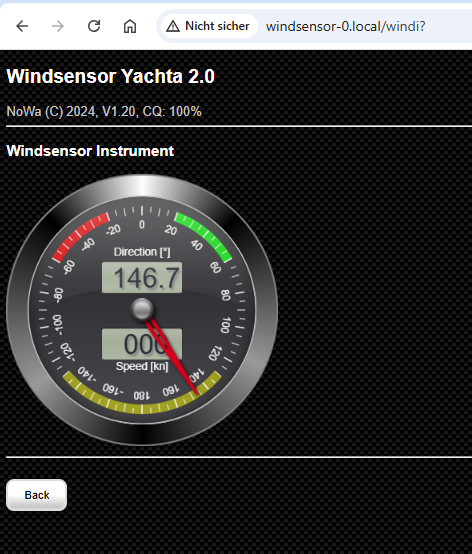
Fig.: Web page devinfo
- 9. Access the JSON page and save the extract (optional)
10. Disconnect PCB
11. Label the firmware version on the PCB backside
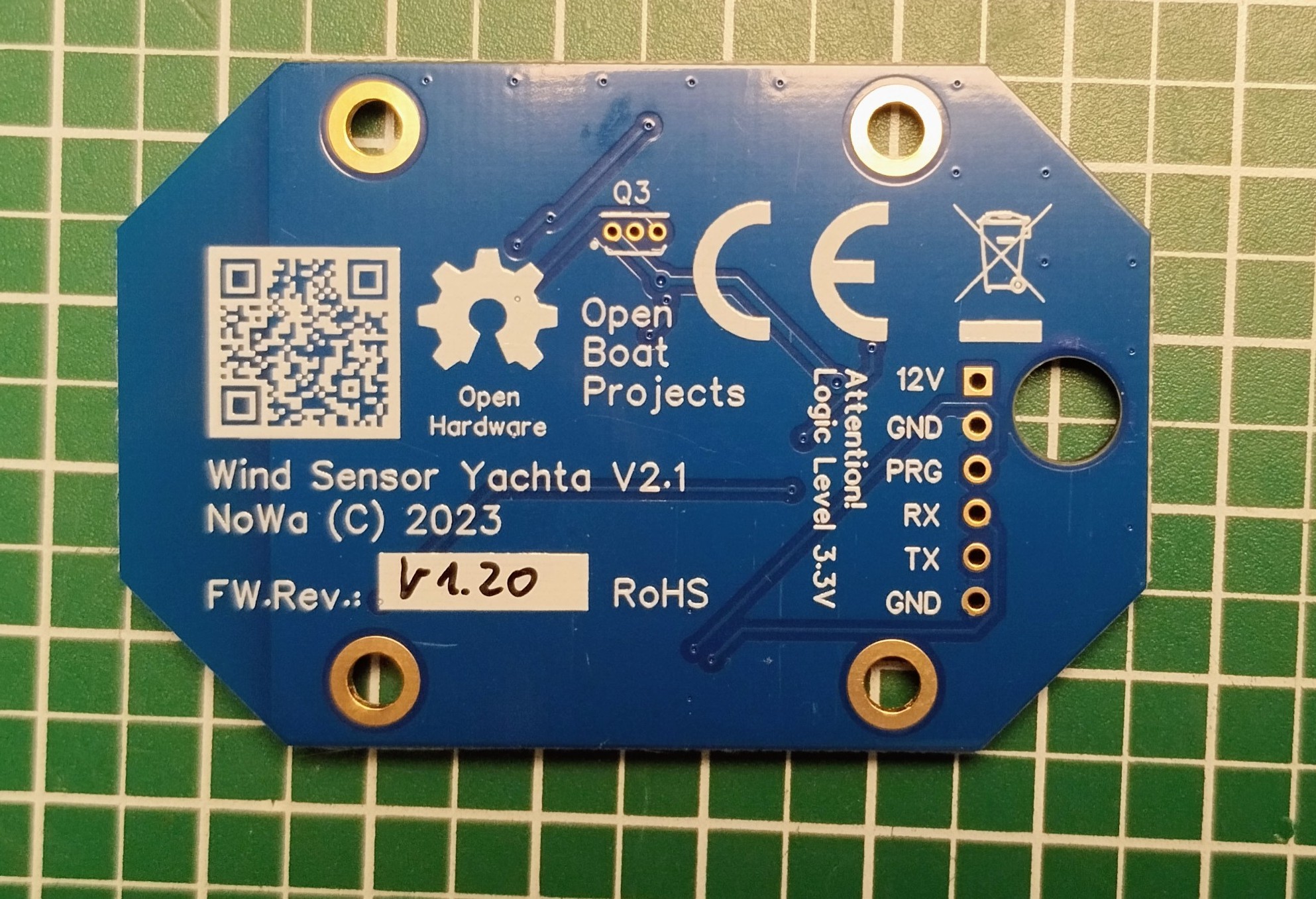
Fig.: Firmware version
Acceptance
WiFi connection established
WiFi connection quality > 90%
Dispaying correct web page (error free)
Correct page change
Page refresh < 1 s
Realistic temperature values (not perfect and with offset)
0…360° values for wind direction sensor
0/1 change for wind speed sensor
- Current consumption < 35 mA at 12V
Label for firmware version is placed